
How do I export to Word?
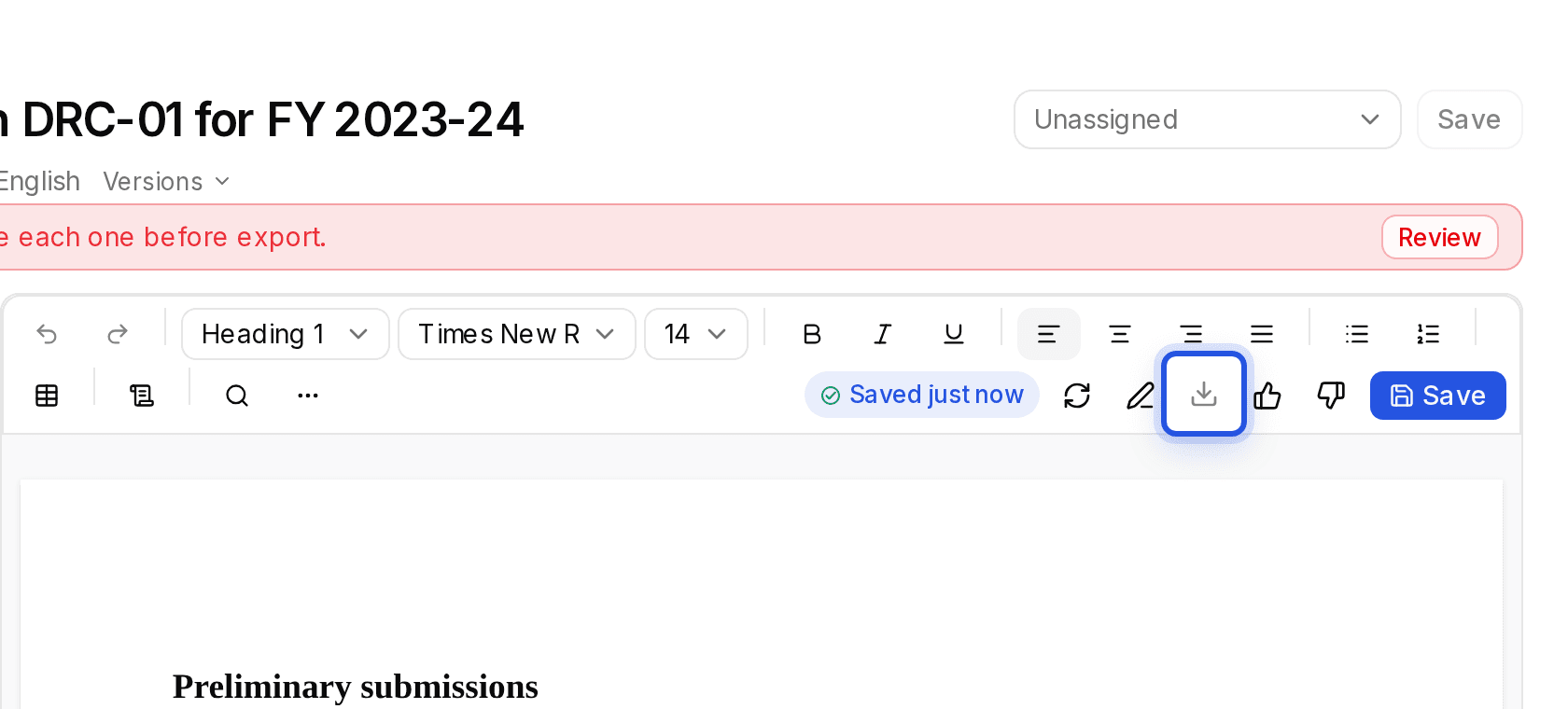
In the editor, choose the Download button, then Word (.docx). PDF (.pdf) is there too.
Updated 29 Sept 2026
Steps
- Step 1: Open the draft and choose Save if you have unsaved changes.
- Step 2: Choose the Download button in the toolbar above the page.
- Step 3: Pick Word (.docx) or PDF (.pdf).
Download is greyed out
The draft still has un-cited references. Hover the button to see how many, then cite or acknowledge each one. See Why is a point flagged as un-cited?
Was this helpful?
Still stuck? Write to support and we will get back to you. Contact support