
How do I open a source?
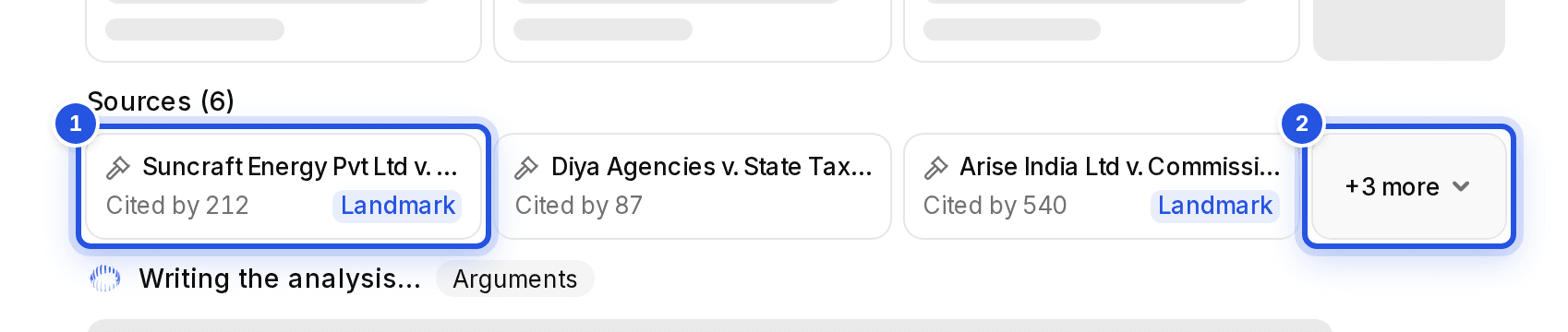
Click the numbered source after a point, or a tile in the Sources strip. Cases open in a reader inside Charter AI; official pages open in a new tab.
Updated 29 Sept 2026
Steps
- Step 1: Click a numbered source in the answer, or a tile under Sources.
- Step 2: A case opens in a reader with its full text. Sections, circulars and notifications open at their official source.
- Step 3: Use the more button at the end of the Sources strip to see the rest when there are many.
Was this helpful?
Still stuck? Write to support and we will get back to you. Contact support