
How do I attach a PDF to a research question?
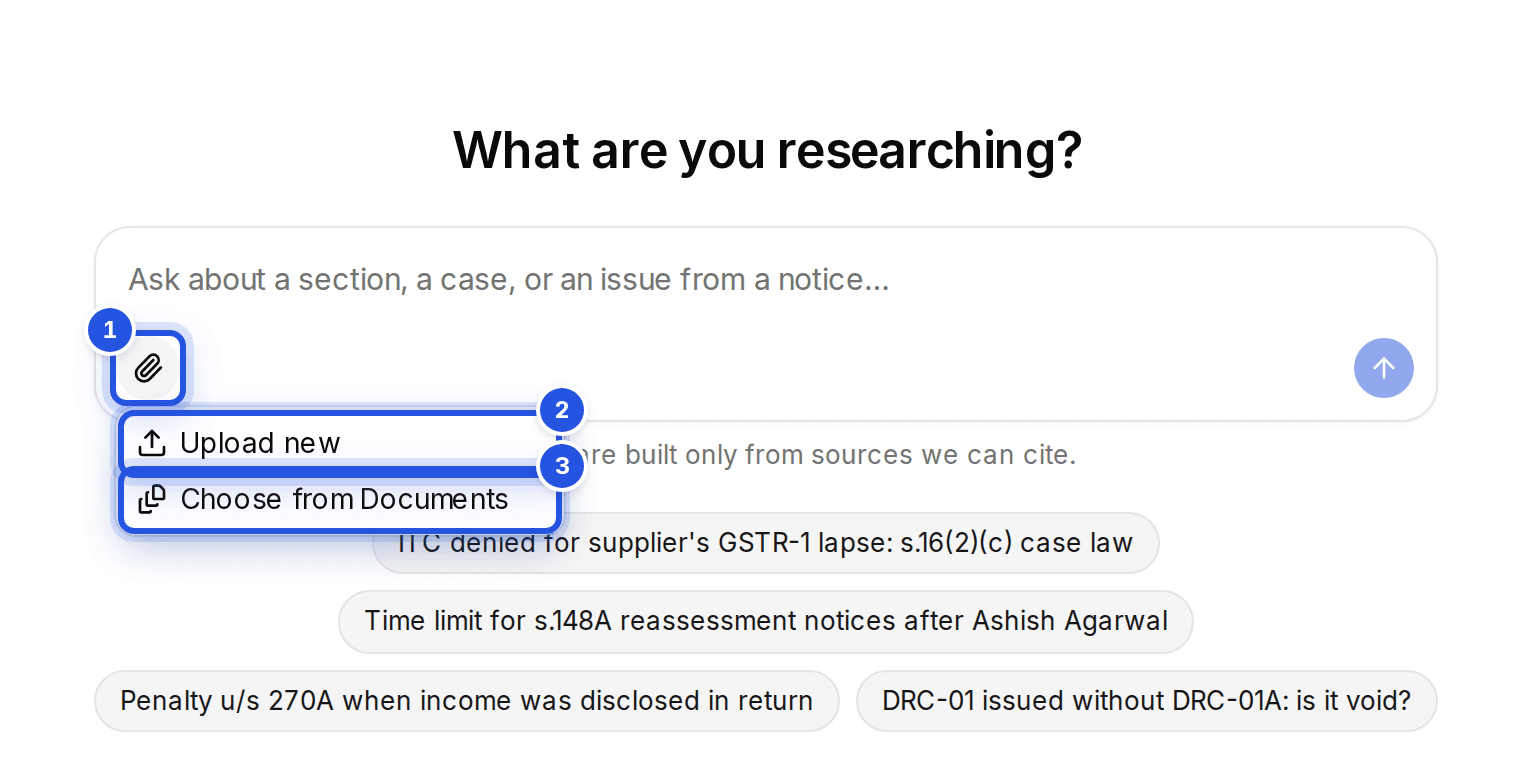
Choose Attach PDFs under the question box, then Upload new or Choose from Documents. A question takes up to five PDFs of up to 25 MB each.
Updated 29 Sept 2026
Steps
- Step 1: In Research, choose Attach PDFs under the question box.
- Step 2: Choose Upload new to pick PDFs from your computer, or Choose from Documents to reuse ones you have already uploaded.
- Step 3: Type your question about them and choose Search case law.
Limits
- PDF only, up to 25 MB each.
- Five PDFs per question. Remove one to add another.
- Files picked from Documents are not uploaded or read again.
Was this helpful?
Still stuck? Write to support and we will get back to you. Contact support