
How do I mark a deadline done?
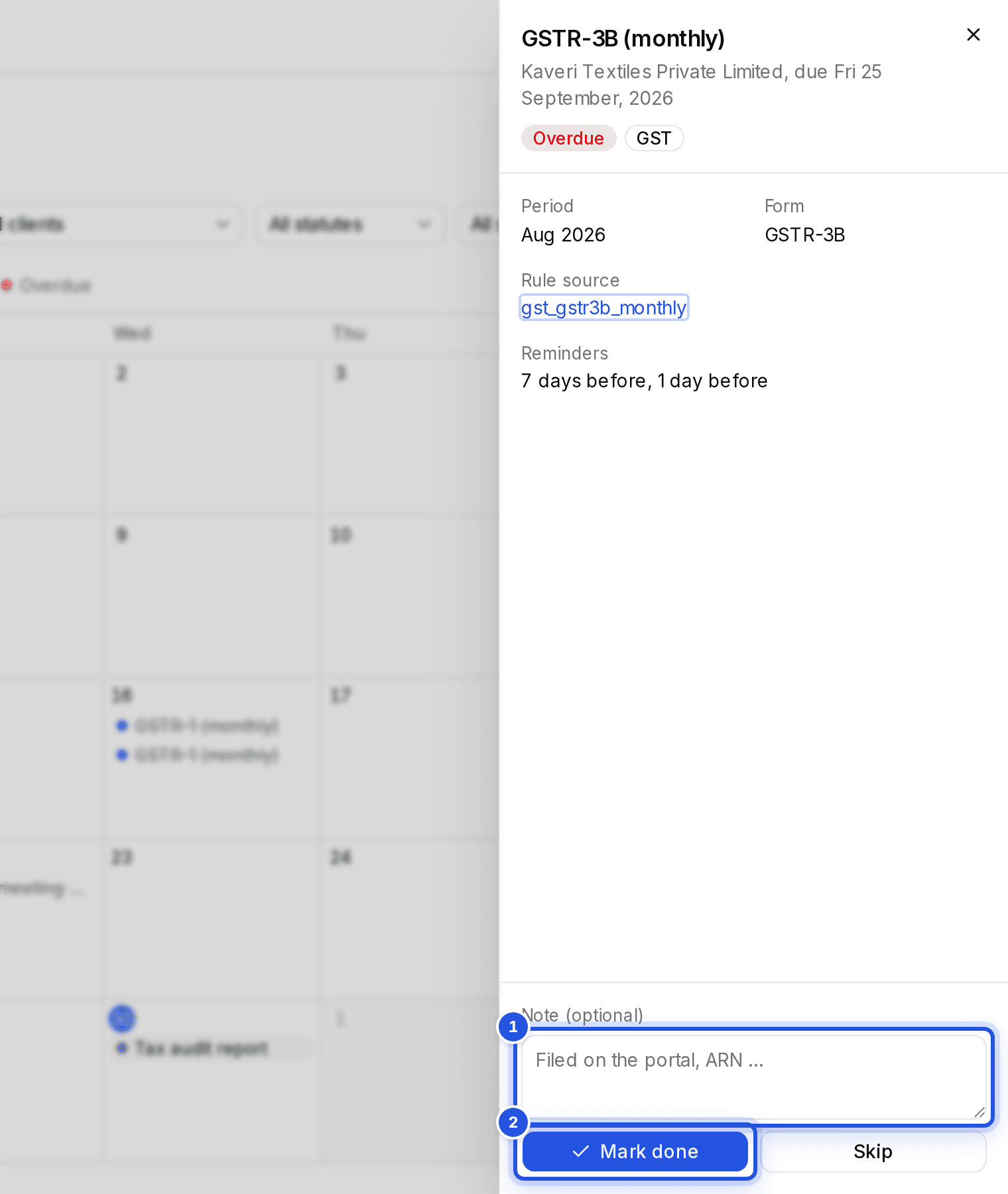
Click the event on the Calendar and choose Mark done. Add a note such as the ARN if you like.
Updated 29 Sept 2026
Steps
- Step 1: Click the event in the month view or the list.
- Step 2: Add a Note (optional), for example that it was filed on the portal with its ARN.
- Step 3: Choose Mark done.
Events you added yourself can also be removed with Delete event.
Finding what is due
Use Due this week and Overdue at the top of the Calendar, or filter by client, statute or status. Switch between the month view and the list with the view toggle.
Was this helpful?
Still stuck? Write to support and we will get back to you. Contact support