
How do I draft a reply from a notice I already added?
Open the notice and choose Generate draft. We read the notice and your files, find the governing law and write a cited reply you can edit.
Updated 29 Sept 2026
Steps
- Step 1: Open Notices and choose Open notice on the one you want.
- Step 2: Choose Generate draft. It usually takes a minute or two.
- Step 3: When you see Draft ready, the reply opens in the editor.
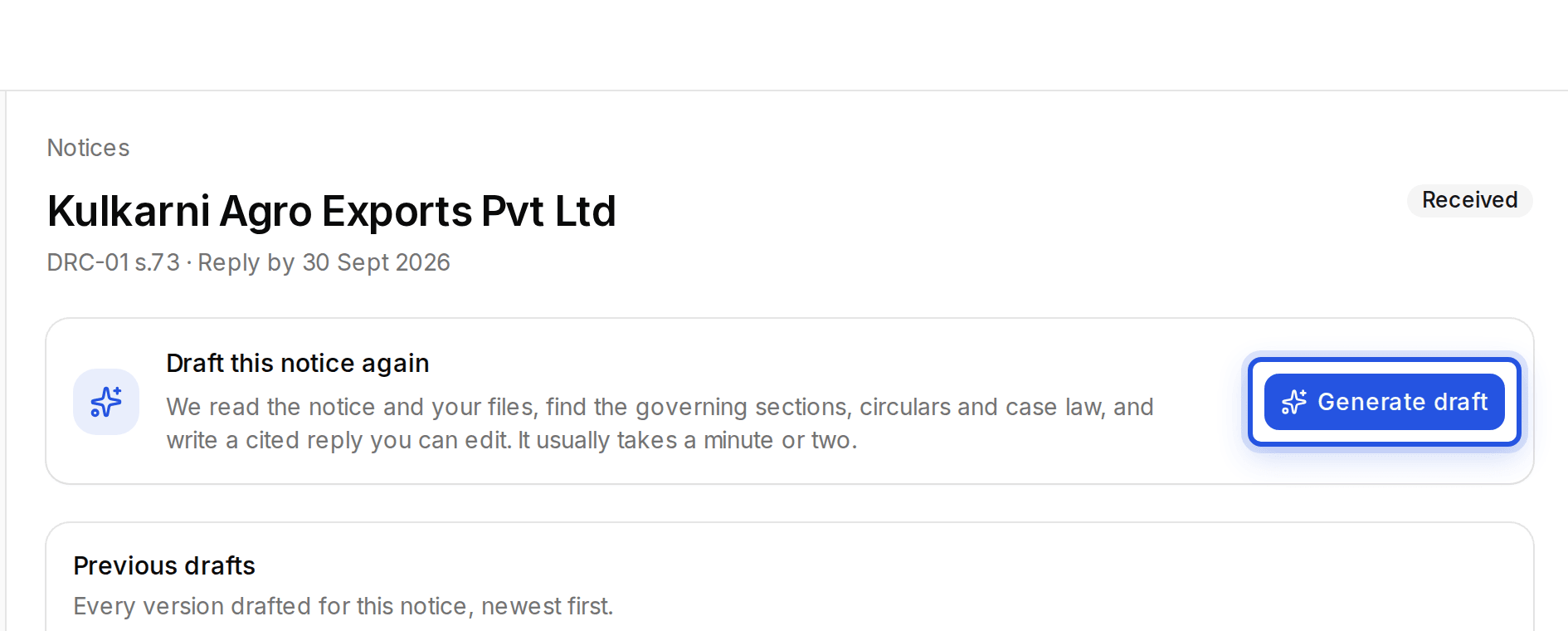
Every version drafted for a notice is listed under Previous drafts. Choose Draft this notice again for a fresh draft.
Was this helpful?
Still stuck? Write to support and we will get back to you. Contact support