
How do I add a notice?
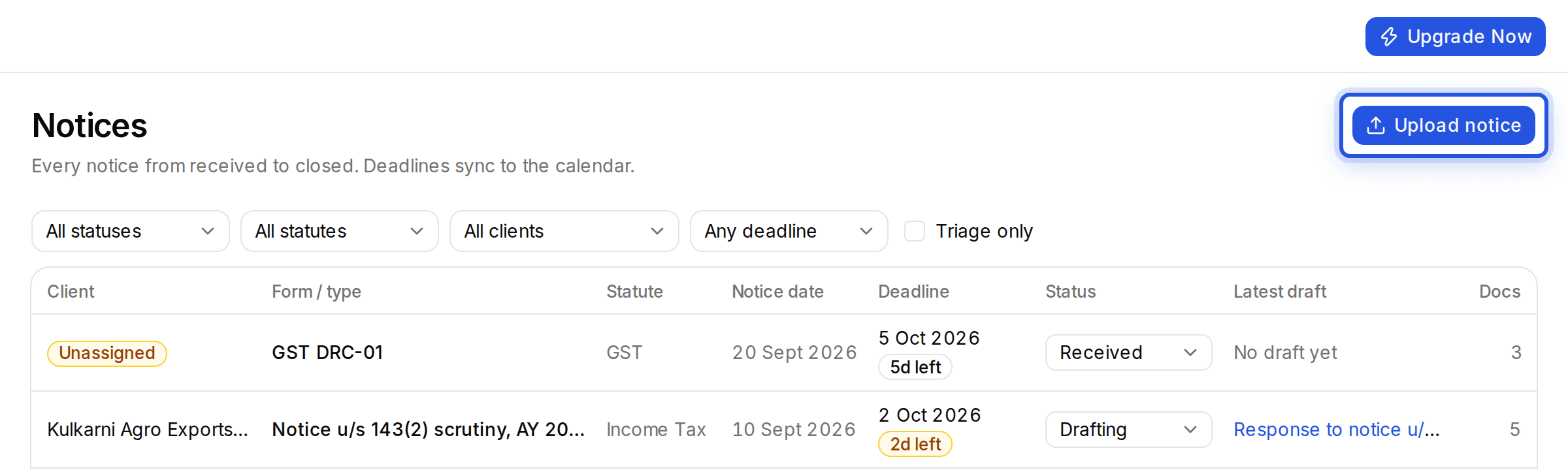
Choose Upload notice on the Notices page. A notice you upload anywhere else, in Drafting or Documents, is spotted and added to Notices on its own.
Updated 29 Sept 2026
Steps
- Step 1: Open Notices from the sidebar.
- Step 2: Choose Upload notice and add the PDF.
- Step 3: The notice appears in the list with its form, notice date and response deadline read from the file.
Uploading in Documents works too. When a file is a notice, a message says it was detected and added to your notices, with View to open it.
Was this helpful?
Still stuck? Write to support and we will get back to you. Contact support