
How do I stop an upload link working?
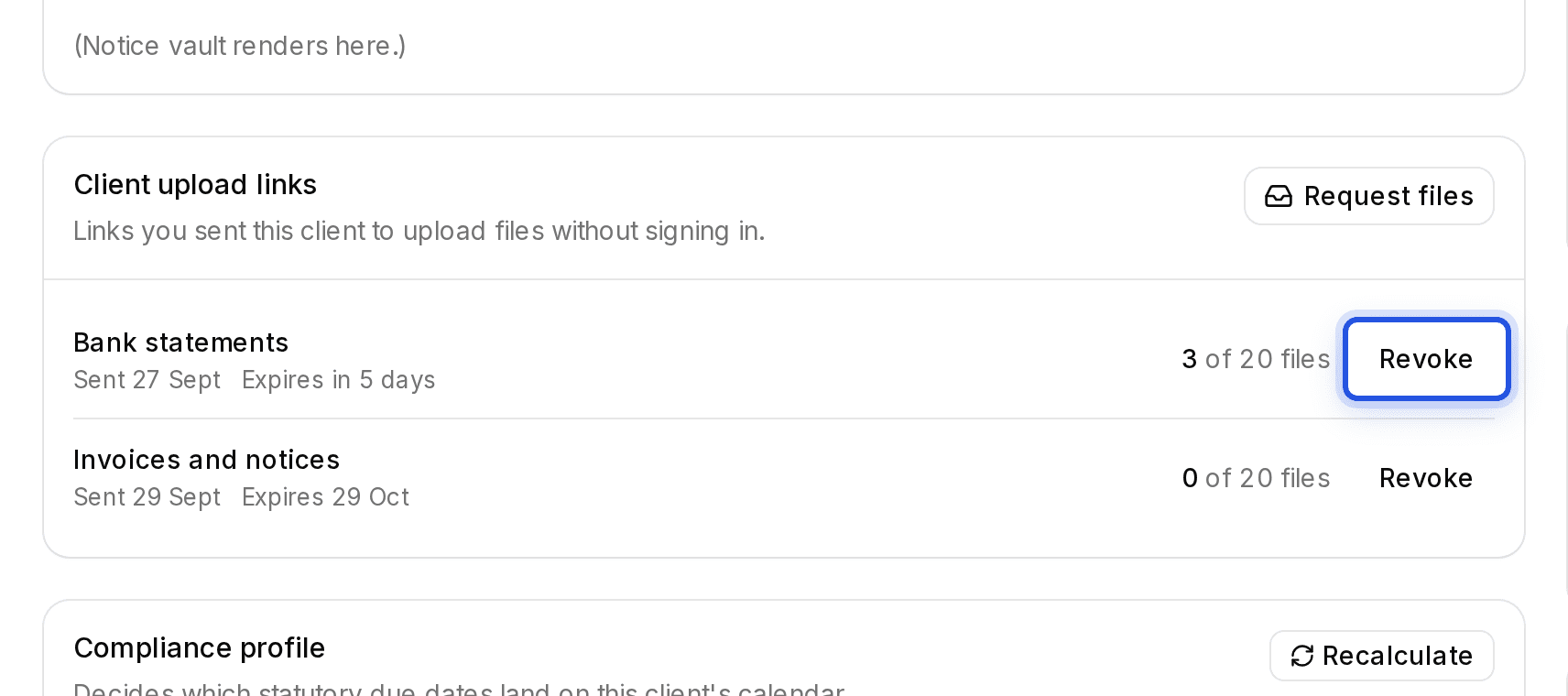
On the client's page, find the link under Client upload links and choose Revoke link.
Updated 29 Sept 2026
Steps
- Step 1: Open the client. Client upload links lists every open link and when it expires.
- Step 2: Choose Revoke link on the one to stop, then Revoke link again to confirm.
Links also stop on their own when they expire or have taken all the files they allow. Your client is asked to request a new one.
Client upload links are being switched on for accounts in stages. If you do not see Request files on a client's page yet, it is not on for your account.
Was this helpful?
Still stuck? Write to support and we will get back to you. Contact support