
How do I ask a client to upload files?
On the client's page, choose Request files, pick what you need and choose Create link. Share the link by WhatsApp or email; the client uploads with no login.
Updated 29 Sept 2026
Steps
- Step 1: Open the client and choose Request files.
- Step 2: Under What to send, tick what you need: bank statements, invoices, a notice, or anything else.
- Step 3: Add a Note to your client if it helps. Leave out anything sensitive; it shows on the upload page.
- Step 4: Pick how long the Link works for. Seven days is the default.
- Step 5: Choose Create link, then Copy link, Share on WhatsApp or Send by email.
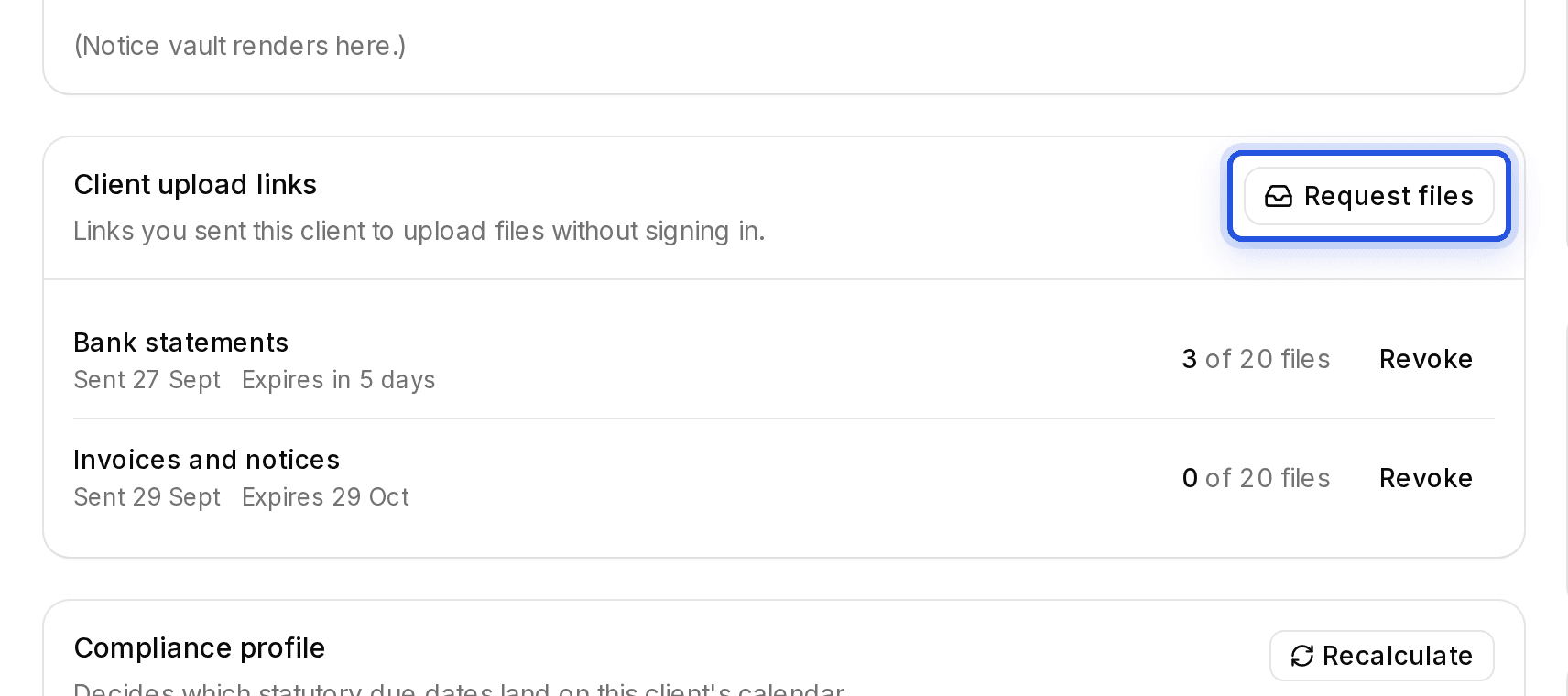
Client upload links are being switched on for accounts in stages. If you do not see Request files on a client's page yet, it is not on for your account.
Was this helpful?
Still stuck? Write to support and we will get back to you. Contact support