
How do I download my data?
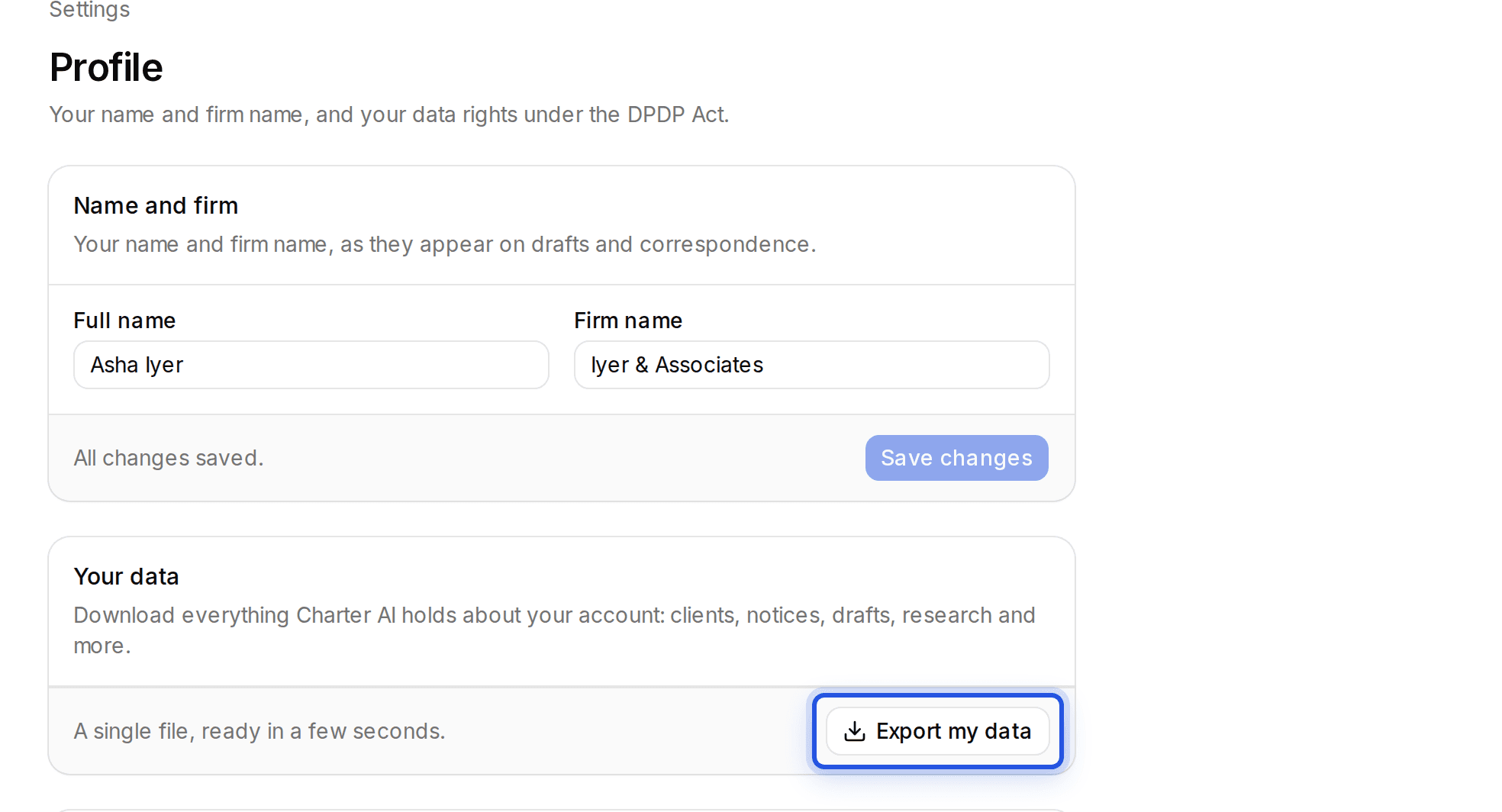
In Settings, Profile, choose Export my data. You get one file with your clients, notices, drafts, research and more, ready in a few seconds.
Updated 29 Sept 2026
Steps
- Step 1: Open Settings, then Profile.
- Step 2: Under Your data, choose Export my data.
Was this helpful?
Still stuck? Write to support and we will get back to you. Contact support