
How do I delete my data?
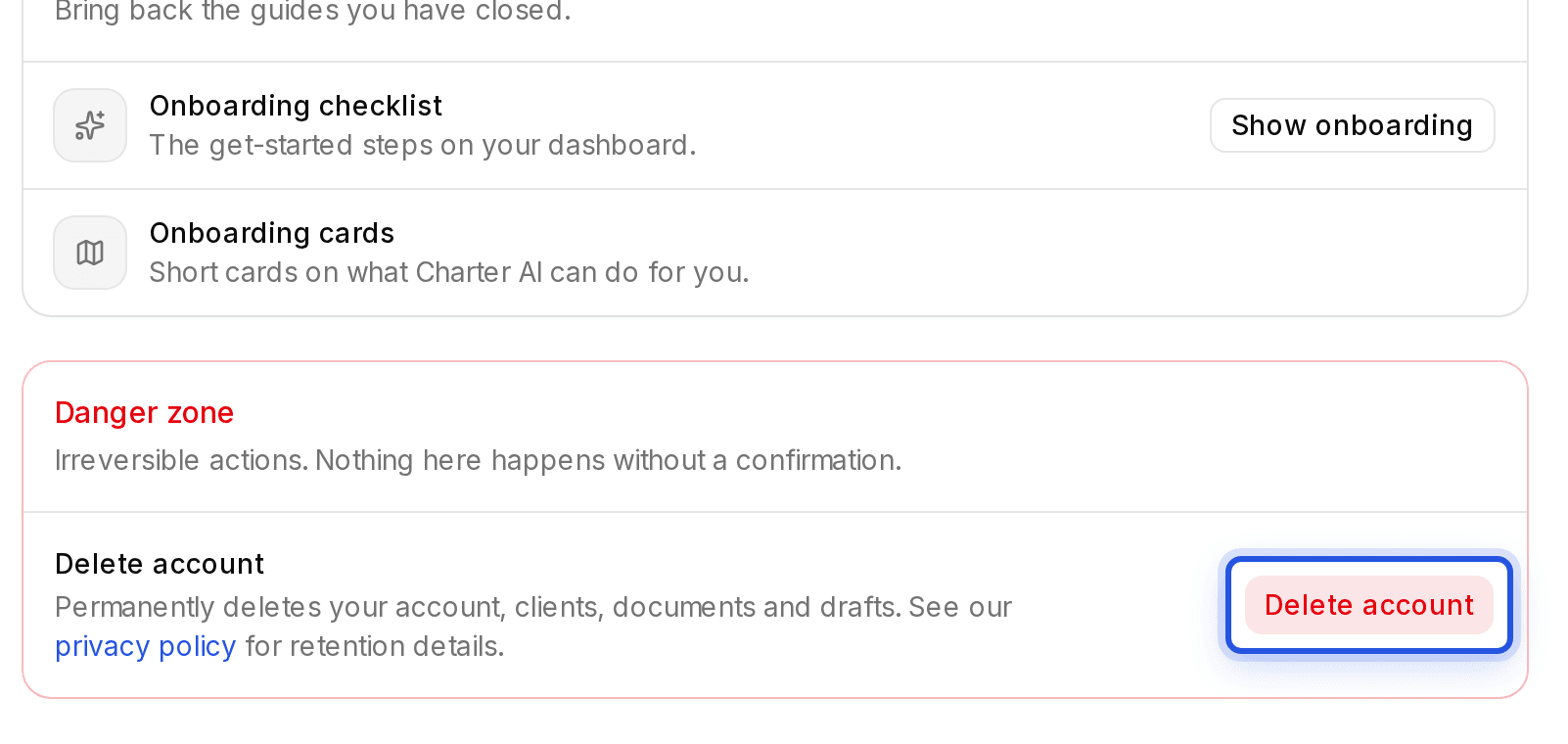
In Settings, Danger zone, choose Delete account, type your email to confirm and press and hold. This deletes every client, document and draft and cannot be undone.
Updated 29 Sept 2026
Delete your account
- Step 1: Open Settings and scroll to Danger zone.
- Step 2: Choose Delete account.
- Step 3: Type your email exactly as shown.
- Step 4: Press and hold Hold to delete account.
Want a copy first? Download it with Export my data before you delete.
Other ways
- To remove one client and everything under it, use Delete client on that client's page.
- Withdraw consent in Settings, Profile also ends the service and deletes your account.
Was this helpful?
Still stuck? Write to support and we will get back to you. Contact support