
How do I find my way around?
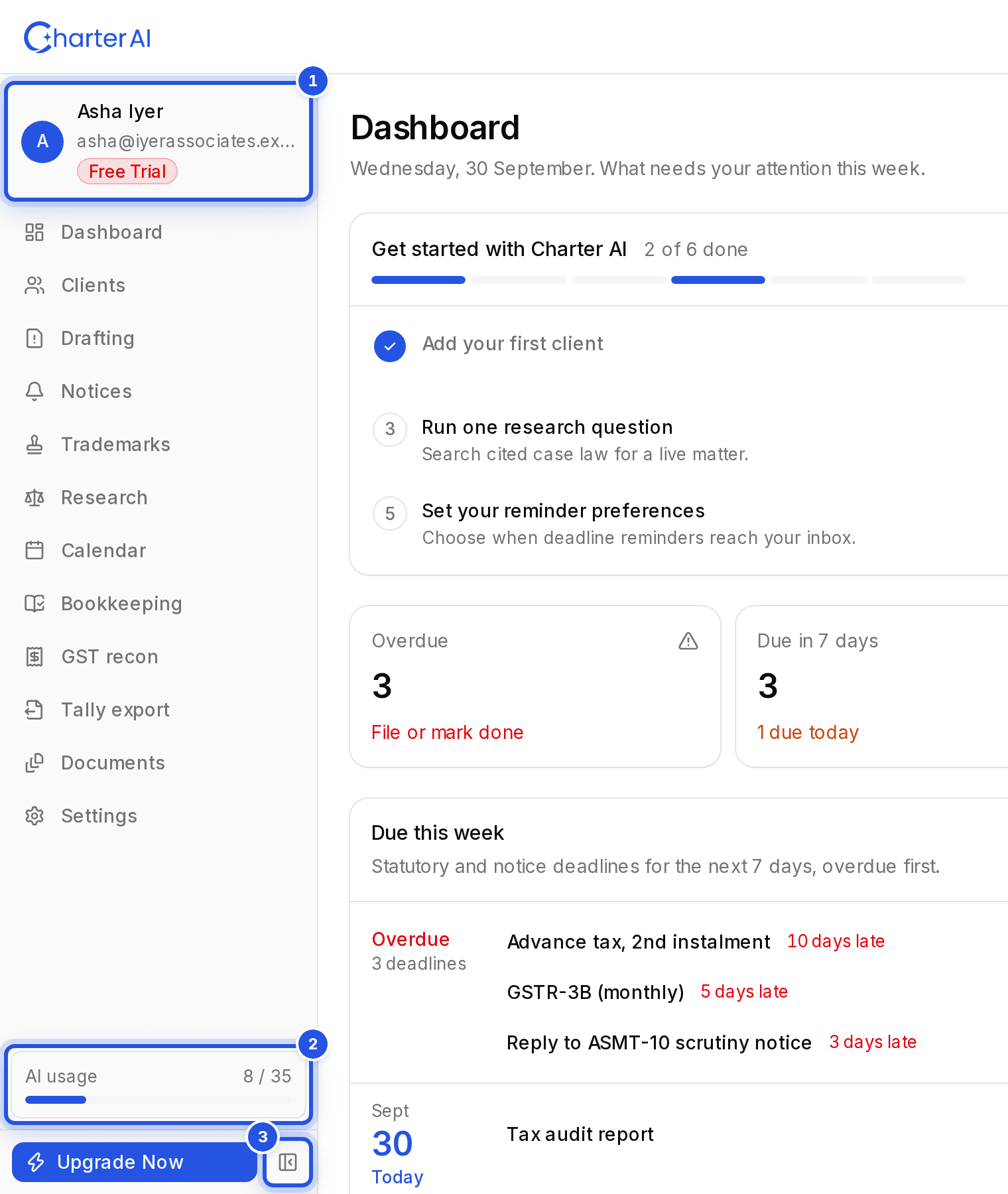
Everything is in the sidebar on the left: Dashboard, Clients, Drafting, Notices, Trademarks, Research, Calendar, Bookkeeping, Reconciliation, Tally export, Documents and Settings.
Updated 1 Oct 2026
The sidebar
The sidebar lists every part of Charter AI. Your account menu sits at the top of it and your AI usage meter at the bottom. Use Collapse sidebar to shrink it to icons.
On a phone
Tap the menu button at the top left of the header to open the same list. Upgrade Now is at the bottom of that menu.
Was this helpful?
Still stuck? Write to support and we will get back to you. Contact support