
How do I import invoices or sales and purchase registers?
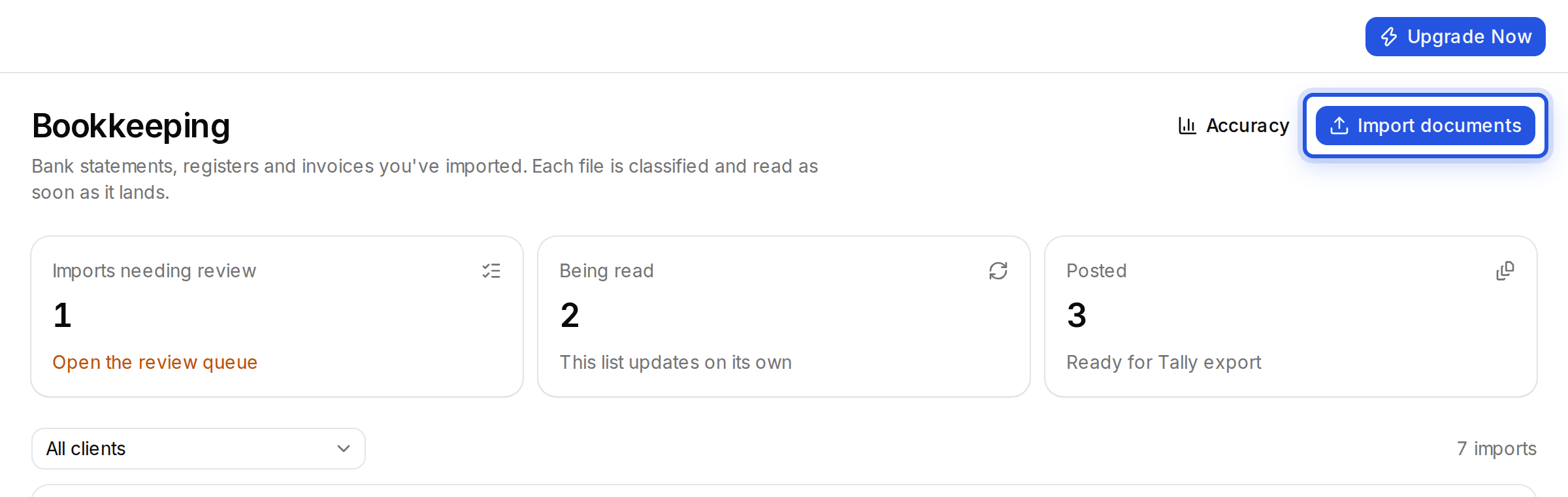
Use the same Import documents window as for a bank statement. Each file is classified as a bank statement, sales register, purchase register or invoice.
Updated 29 Sept 2026
Steps
- Step 1: Open Bookkeeping and choose Import documents.
- Step 2: Pick the client and drop in the invoices or registers. Add as many as you like.
- Step 3: Charter AI works out what each file is. The bank account choice only applies to bank statements.
A file already imported is not read twice, even if you pick it again with Choose from Documents.
Was this helpful?
Still stuck? Write to support and we will get back to you. Contact support