
How do I upgrade to a paid plan?
Choose Upgrade Now in the header, pick your plan and choose Pay now. Prices are on the pricing page.
Updated 2 Oct 2026
Steps
- Step 1: Choose Upgrade Now in the header, or in the menu on a phone.
- Step 2: Under Choose your plan, pick one.
- Step 3: Choose Pay now and complete the payment.
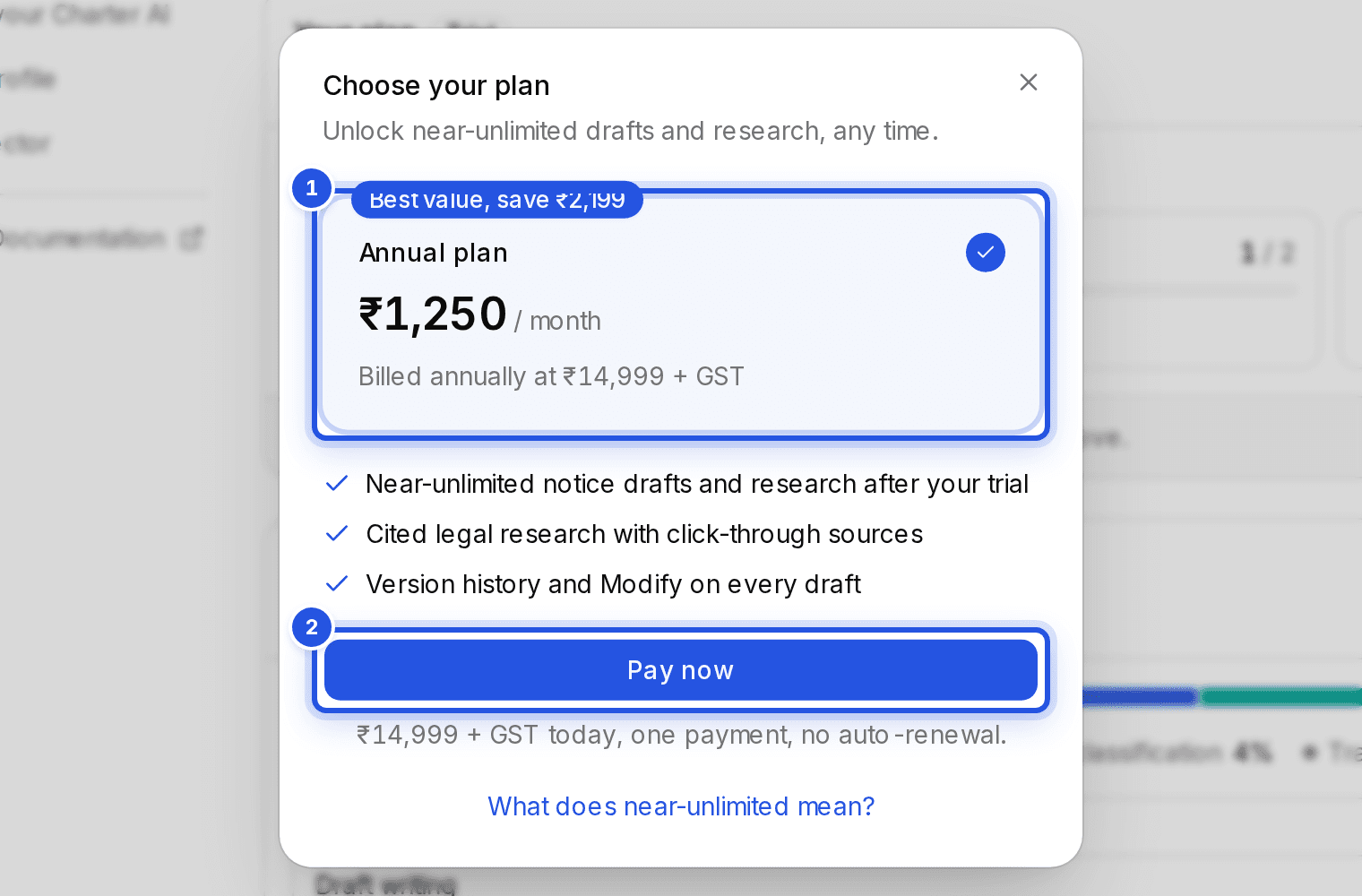
You can choose the annual plan, the 6-month plan or, where it is offered, the monthly plan. The monthly plan includes 2.5 lakh AI tokens a month; bookkeeping, GST reconciliation and Tally export are unlimited on every plan.
Where renewal by UPI AutoPay is offered, checkout sets it up and your bank asks you to approve each renewal with your UPI PIN. Invoices are emailed to you separately.
Was this helpful?
Still stuck? Write to support and we will get back to you. Contact support