
Tally Data Connector Options and Setup Guide
See how a tally data connector moves Excel, XML and GST data into TallyPrime, which path fits a CA firm, and how to fix port and login failures.
Published 14 min read
A client's purchase register arrives as a spreadsheet, the books are in TallyPrime, and the filing deadline is approaching. One person is checking GSTINs, another is mapping ledger names, and someone else is asking whether the connector has already posted the batch. In that moment, “automatic sync” isn't the useful question. The useful question is whether the right data can get to the right company, under the right permissions, with enough evidence to recover cleanly if something fails.
A Tally data connector is the bridge between TallyPrime and another system, such as a bookkeeping tool, a GST workflow or a spreadsheet. Choosing one is an operations decision: format, network access, credentials, roles, master data and exception review all affect whether it will work reliably through a filing period.
Table of Contents
- Three Paths a Tally Data Connector Can Take
- Choose by control point, not by label
- GST Workloads Where a Connector Pays Off
- Preserve fields through each client's workflow
- Masters Balances and Dates Before Vouchers
- Use a Tally voucher as the template
- How to Set Up the On-Premise Connector
- Exceptions Automatic Matching Still Leaves Open
- Failures That Stop a Live Connector
- Recover in a fixed order
- Pick One Client and Run a Counted Batch
Three Paths a Tally Data Connector Can Take
Think of a connector as a bilingual clerk. One side speaks spreadsheets or GST portal fields; the other speaks Tally's structured hierarchy of ledgers, stock items and balanced vouchers. The right path depends on where the data starts, how often it moves and what your team can control.
| Path | Best for | Format | Control point | Main risk |
|---|---|---|---|---|
| Excel or CSV import and export | Monthly registers and one-off client files | Spreadsheet columns mapped to ledgers | Field mapping and date formats | Broken GSTIN or ledger alias |
| XML or JSON file exchange | Portable voucher batches | Native Tally hierarchy | Masters present before vouchers | Unbalanced debit and credit totals |
| HTTP XML on port 9000 | Live posting to a running TallyPrime | XML request and response | IP reachability and company selection | Timeout that posts the voucher twice |
| GST portal connected services | Return download and filing status | Portal login with API access | Credentials and user role | Expired login blocking a filing period |
A spreadsheet is often the simplest choice when a client sends a purchase register once a month. The connector maps each column to the right ledger and voucher field, then flags issues such as an unfamiliar party name or an invalid date. It's easy to inspect, but the import is only as reliable as the mapping rules.
XML or JSON file exchange suits portable batches that need a defined Tally structure. It can carry masters and vouchers in a predictable format, but the referenced ledgers and other dependent masters must be in place. TallyPrime can also receive online requests through its built-in HTTP server, which uses port 9000 by default. An external system sends a request to an endpoint such as http://<Tally-IP>:9000, then reads Tally's response to identify success or an error, as described in Tally Solutions' XML integration documentation.
Choose by control point, not by label
HTTP posting is a live connection to a running TallyPrime instance, not a shortcut around client-network access. The connector needs to reach the machine, use the intended company and handle timeouts without posting the same voucher twice. A cloud service can't assume it has a route into a client's desktop environment.
GST portal-connected services have a different control point: the client's portal access and the permissions assigned to the user. They can reduce file handling for return workflows, but a login or permission problem can interrupt a sync. Before selecting a path, ask who owns that access, who can approve a posting and how the team will recognise a failed or repeated request.
GST Workloads Where a Connector Pays Off
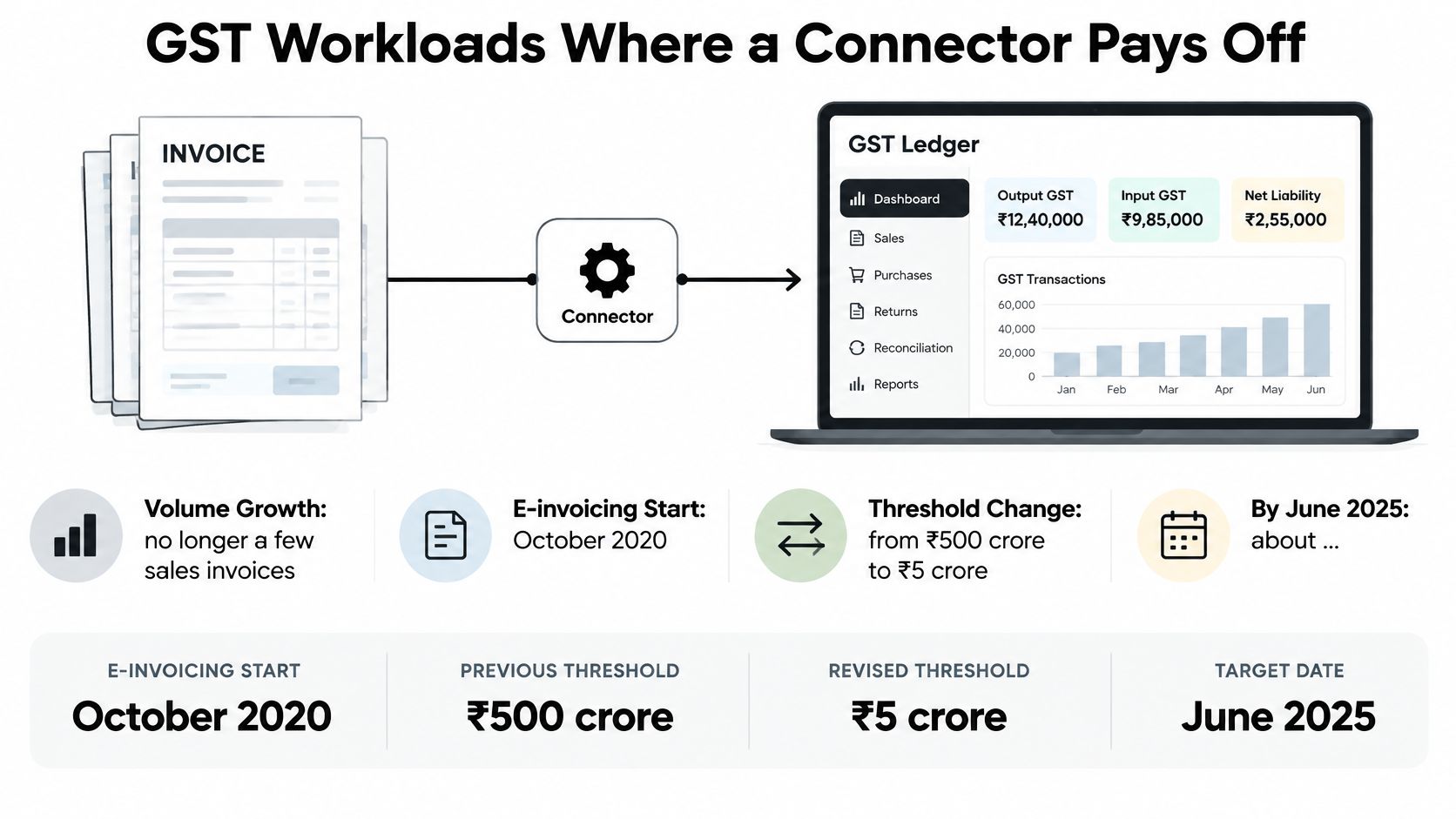
A GST connector earns its place when the same invoice details need to travel through registers, reconciliation and TallyPrime without losing their meaning. Invoice number, GSTIN, date, taxable value, tax components and ledger mapping all need to remain identifiable at each step.
The workload varies by client. A trader may have a steady stream of purchase invoices to map to vouchers and compare with GSTR-2B. A service business with fewer invoices may gain more from avoiding repeated entry and preserving each invoice's tax split and reference. In both cases, a reviewer still needs to check exceptions rather than assume that a successful transfer means the GST treatment is correct.
Preserve fields through each client's workflow
Treat the connector like a courier carrying a document between desks. If it drops or changes a reference on the way, the reviewer has to trace the invoice back to its source. Configure the workflow to retain the invoice details, then review unmatched records and differences before they flow into the books.
GST rules set a limited window for reporting e-invoices on the IRP. A late connector run can therefore create a compliance risk, not just a bookkeeping backlog. Where GST records and books differ, retain the underlying invoice and the reviewer's reasoning. A mismatch may require further review, as described in this GST ITC mismatch intimation workflow.
Masters Balances and Dates Before Vouchers
Transmission isn't the hard part. Order is. A voucher refers to ledgers, items and other records that TallyPrime needs to recognise. If those masters aren't present or mapped correctly, a well-formed transaction can still be rejected or land in the wrong place.
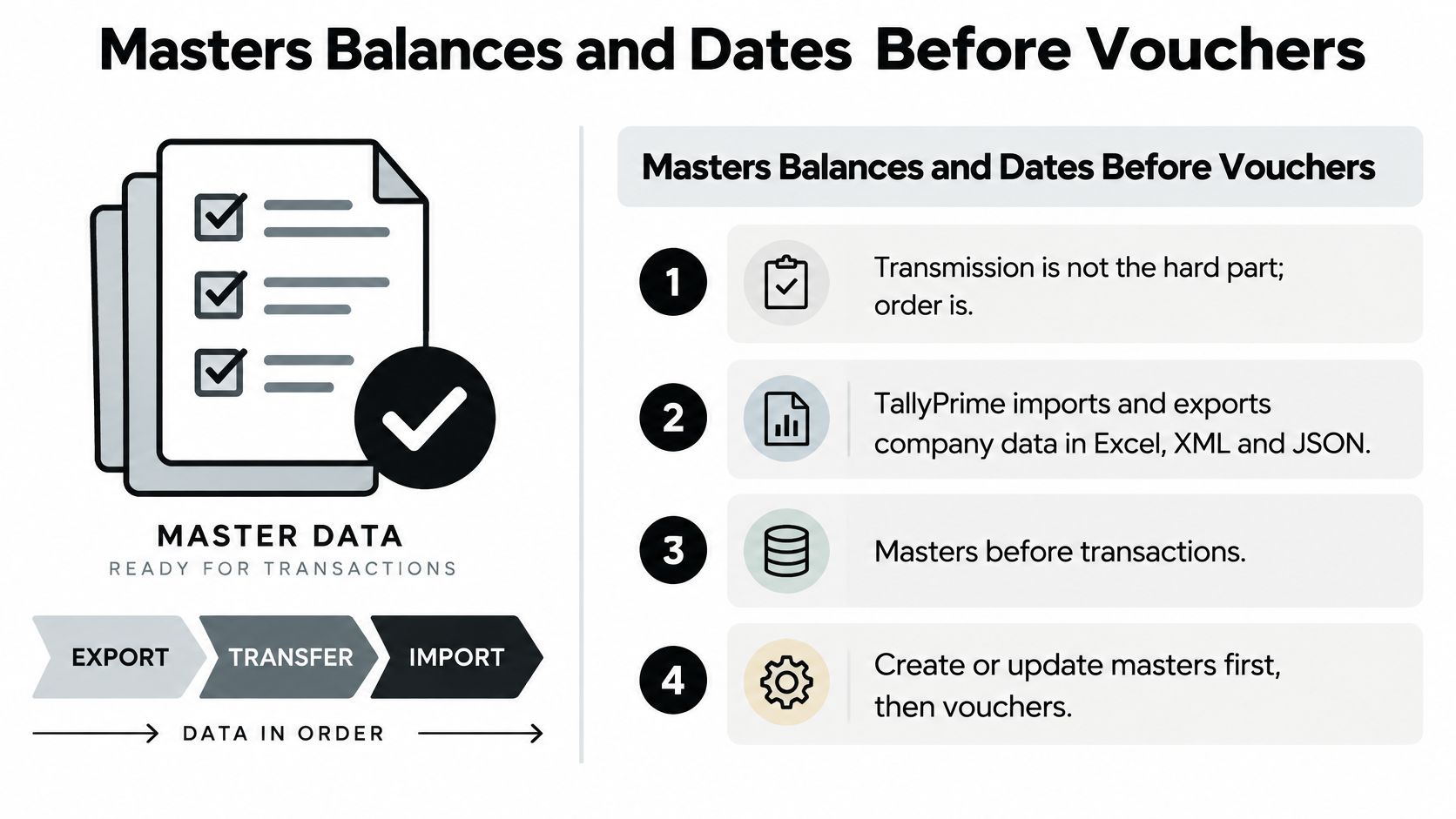
TallyPrime supports importing and exporting company data in Excel, XML and JSON, and its documented workflow puts masters before transactions. That means a connector should map or create ledgers, stock items, units of measure, currencies and GST-related masters before sending vouchers. Tally's import-data guidance also specifies that dependent masters must exist, debit and credit totals must balance, and dates must use YYYYMMDD.
Use a Tally voucher as the template
Don't guess the XML hierarchy. Create an equivalent voucher in TallyPrime and export it to use as a schema reference. Your connector can then match the expected structure instead of generating tags that look plausible but don't correspond to Tally's requirements.
Treat the process like a kitchen pass. The ingredients, or masters, need to be ready before the order, or voucher, goes out. If a ledger alias doesn't resolve, hold the record and ask for a mapping decision rather than posting it to a near-match.
Before a batch leaves the connector, check these gates in order:
- Masters exist. Resolve every referenced ledger, item and other dependency.
- Names match. Check aliases against the intended Tally master, including party and tax-ledger mappings.
- Dates are normalised. Convert each date to
YYYYMMDD. - Totals balance. Reject a voucher whose debits and credits differ.
- Voucher number is new. Check for an existing posting before sending, especially after an interrupted response.
TallyPrime can be configured to export dependent masters along with vouchers, which can help make a portable batch. It doesn't remove the need to check mappings or prevent a duplicate. For a downstream presentation of a trial balance, a trial balance to balance sheet tool can produce a draft balance sheet and profit-and-loss statement that ties, but the source ledger mappings still need to be sound.
How to Set Up the On-Premise Connector
Test one client company before running a month-end batch. The test should confirm that the connector can reach the intended TallyPrime instance, post a known voucher and read a clear response. That single controlled run is more useful than assuming a connection is ready because a setup screen says “connected.”
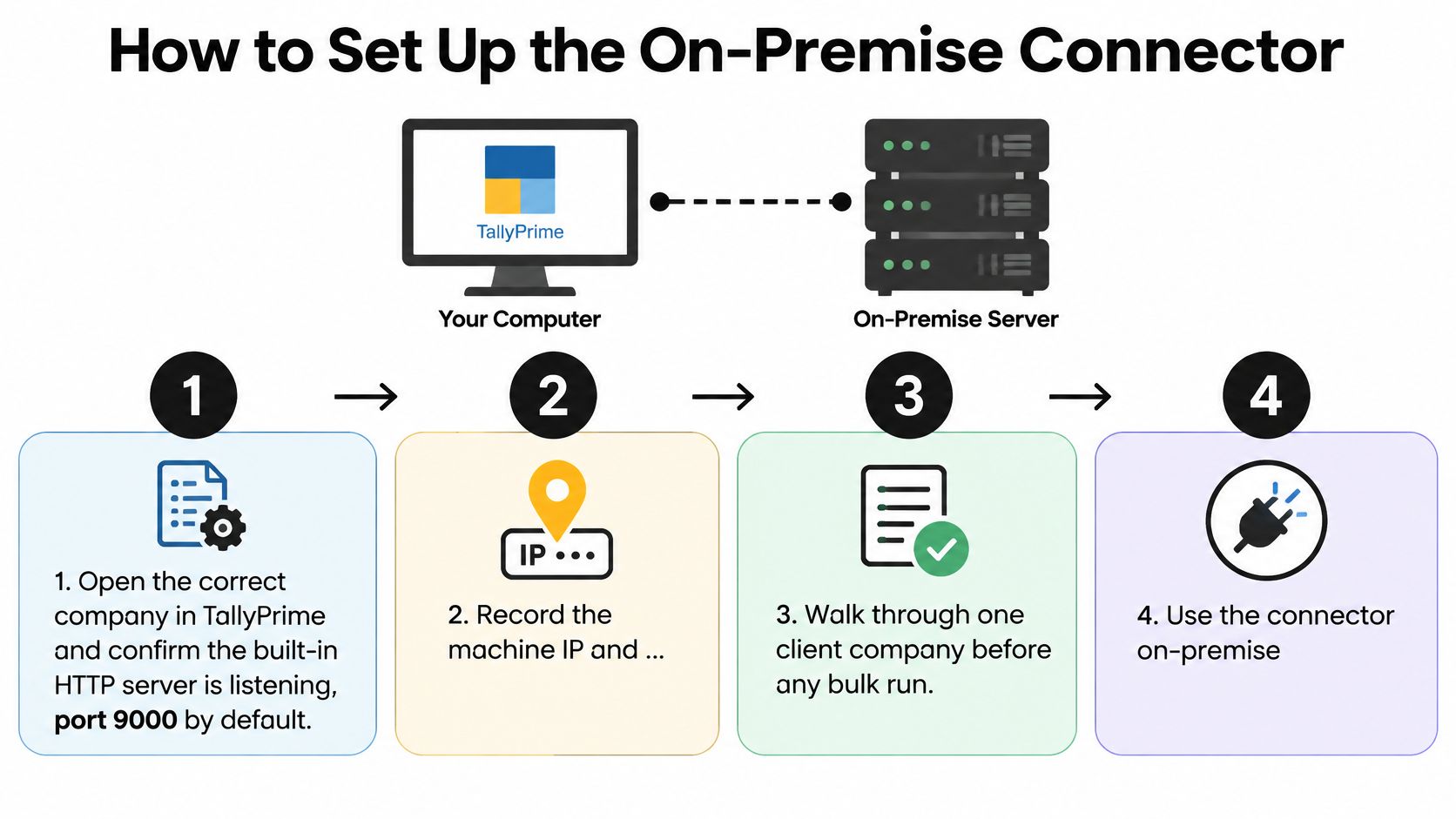
Open the intended company and check the server. Confirm that the correct company is open in TallyPrime and that its built-in HTTP server is listening on port 9000 by default. This prevents a connector from sending a valid request to a machine that isn't serving Tally data.
Record the Tally machine and test reachability. Note the machine's IP address and verify that the connector host can reach
http://<Tally-IP>:9000. A cloud tool can't assume there's a route into a desktop on the client network. Check network rules and server availability before investigating voucher content.Confirm the people and permissions. Decide who can post vouchers and who can authorise GST access. If the workflow includes connected GST services, confirm that API access is enabled and that the intended user has the necessary portal permissions. This prevents a user-role or authentication change from stopping the process without warning.
Load or map masters first. Confirm the party ledgers and related GSTINs resolve to the right Tally masters. This prevents rejected entries and misdirected postings caused by spelling differences or missing ledgers.
Prepare one known voucher. Use a known ledger, a valid
YYYYMMDDdate and balanced debit and credit totals. A small test isolates structure and mapping errors before they spread through a batch.Post the test and read the response report. Check whether Tally created or altered the voucher, and inspect any line-level error messages. Don't treat a successful network response as proof that every voucher line was accepted.
Keep the request and response evidence. Record the request identifier, company name, voucher number and raw response. These details let a reviewer trace what the connector attempted, and help distinguish a validation failure from a communication interruption.
Look up the voucher before retrying a timeout. A delayed response doesn't prove that Tally failed to post. Search for the voucher number in the intended company first; retrying blindly can create a duplicate.
Release the batch only after the test is confirmed. Reconcile the counts for entries sent, accepted and quarantined. If they don't agree, stop and investigate instead of adding more records.
Keep a one-page run log for each client and period. It should show the company, the person who authorised the post, the request or batch identifier, the voucher numbers and the sent, accepted and quarantined counts. A junior staff member should be able to use that record to explain what happened without relying on the person who ran the connector.
Exceptions Automatic Matching Still Leaves Open
Automatic matching can reduce retyping, but it can't make every accounting judgement. Tally's India GST FAQ states that TDS values currently require manual reconciliation, while describing automatic reconciliation as a future release. It also describes importing GSTR-2B Excel files through field mapping and using JSON or Excel for filing workflows. That's a reminder that coverage depends on the return, file format, tax component and mapping quality.
| Exception | What it looks like | Reviewer decision |
|---|---|---|
| TDS values | Not auto-reconciled in current releases | Reconcile manually and record the source |
| GSTR-2B line with no book match | Vendor not yet filed or ITC ineligible | Decide which cause applies; never merge the two |
| Duplicate rows | Same invoice appears twice | Keep both, select one, log the reason |
| Amended invoices | Changed after the book voucher was posted | Confirm which version was used |
| Credit notes | Adjust an earlier invoice | Confirm the link to the original invoice |
| Timing differences | Booked in a different period | Hold with a stated reason; don't drop |
A missing GSTR-2B line could reflect a vendor filing delay or an input tax credit eligibility issue. Those are different explanations, so keep the source row, book voucher, mapping and reviewer decision together. A bank reconciliation workflow follows the same operational principle: a match is useful, but unresolved items need a documented outcome.
Reviewer rule: Don't measure automation only by the number of rows matched. Measure whether the team can explain the rows it didn't match.
Failures That Stop a Live Connector
The same GST login may be used across multiple computers in a multi-user environment, but that convenience can create a shared point of failure. If credentials expire, a user changes access or portal API access is disabled, several staff members may find that a connected service has stopped working. Tally's GST errors and resolutions guidance confirms that API access must be enabled on the GST portal for connected services to operate.
Put credential ownership at the firm level. Separate the person who authorises a GST login from the person who posts vouchers, and record who approved each client sync and when. Direct portal connectivity can reduce file handling, but it also makes the workflow dependent on a valid authentication state and the right administrative configuration.
| Symptom | Likely cause | First fix |
|---|---|---|
| Cannot reach Tally | Port 9000 blocked or wrong IP | Confirm the server, firewall and that the company is open |
| Duplicate vouchers | Timeout retried without a lookup | Match voucher numbers before posting again |
| GST sync stops for every user | API access off or login expired | Re-enable portal API access and record who authorised it |
| Voucher lands in the wrong company | Company not selected in the request | Pre-flight check of company name |
| Import rejected on date or ledger | Masters missing or date not YYYYMMDD |
Import masters first and normalise dates |
| Voucher rejected as incomplete | Debit and credit totals differ | Quarantine until the voucher balances |
Recover in a fixed order
Classify a failure before retrying it. “Connector failed” isn't enough detail for a useful handover. Record whether the issue is network, company context, authentication, validation or duplicate risk, then give the staff member a specific first check.
Use this recovery order: reachability, open company, credentials, masters, balance, then retry. This keeps the team from reinstalling software to fix a date-format rejection or reposting a voucher before checking whether it already exists. Retry only records that passed validation; send unresolved entries to a queue for review.
Maintain a client-level audit trail with the authorising user, sync time, selected company, batch identifier and outcome. If a permission change interrupts the process, that record helps identify what failed and who needs to restore access. If the issue is an unmatched record, the connector should preserve it for review rather than dropping it without notice.
Pick One Client and Run a Counted Batch
Choose the connector path to suit the client's actual workflow. A spreadsheet can be enough when the only input is an Excel register; HTTP suits live posting to a reachable TallyPrime computer; portal-connected services are useful only when the required access is available and stable. Start with one client, one period and one counted batch.
Run a single-voucher test, then record how many entries were sent, accepted and quarantined. Have a reviewer sign off and compare those counts with the run log. If the totals don't reconcile, stop and identify the failure class before widening the batch or adding another GSTIN. Keep TDS items and unexplained GSTR-2B gaps on a human review list from the outset.
For bank-statement workflows, Charter AI imports statements, suggests ledgers for each row, auto-posts rule-matched rows and leaves waiting rows for manual approval before Tally export. Approved entries can then be sent to TallyPrime, with unlimited Tally export available.
If your firm wants to test this approach on a real client batch, Charter AI brings bookkeeping, review and approved TallyPrime export into one workflow. Start with one client and a counted batch, then use the run log and reviewer sign-off to decide whether the process is ready to scale.
Tags
Related guides
- How do I reconcile GSTR-2B against my purchase register step by step?
- Why does my GSTR-2B not match my purchase register: what are the common root causes?
- My invoice number format doesn't match what the supplier filed: will Tally still match it?
- How do I import the GSTR-2B JSON file into Tally Prime?
- How do I reconcile GSTR-2A/2B in Zoho Books?