
How do I train Charter AI on my firm's style?
In Settings, Train your Charter AI, add past replies, opinions or appeals, generate a style guide, review it and switch it on. New drafts follow it.
Updated 29 Sept 2026
Steps
- Step 1: Open Settings, then Train your Charter AI.
- Step 2: Under Firm-wide guide, add past documents: upload replies, opinions or appeals (PDF or Word, up to 10 MB each), or use Choose from Documents.
- Step 3: Choose Generate guide. Charter AI reads the documents and writes down how your firm writes: tone, order of sections, phrasing.
- Step 4: Read the guide and edit anything that is off, then Save guide.
- Step 5: Switch on Use this guide when drafting.
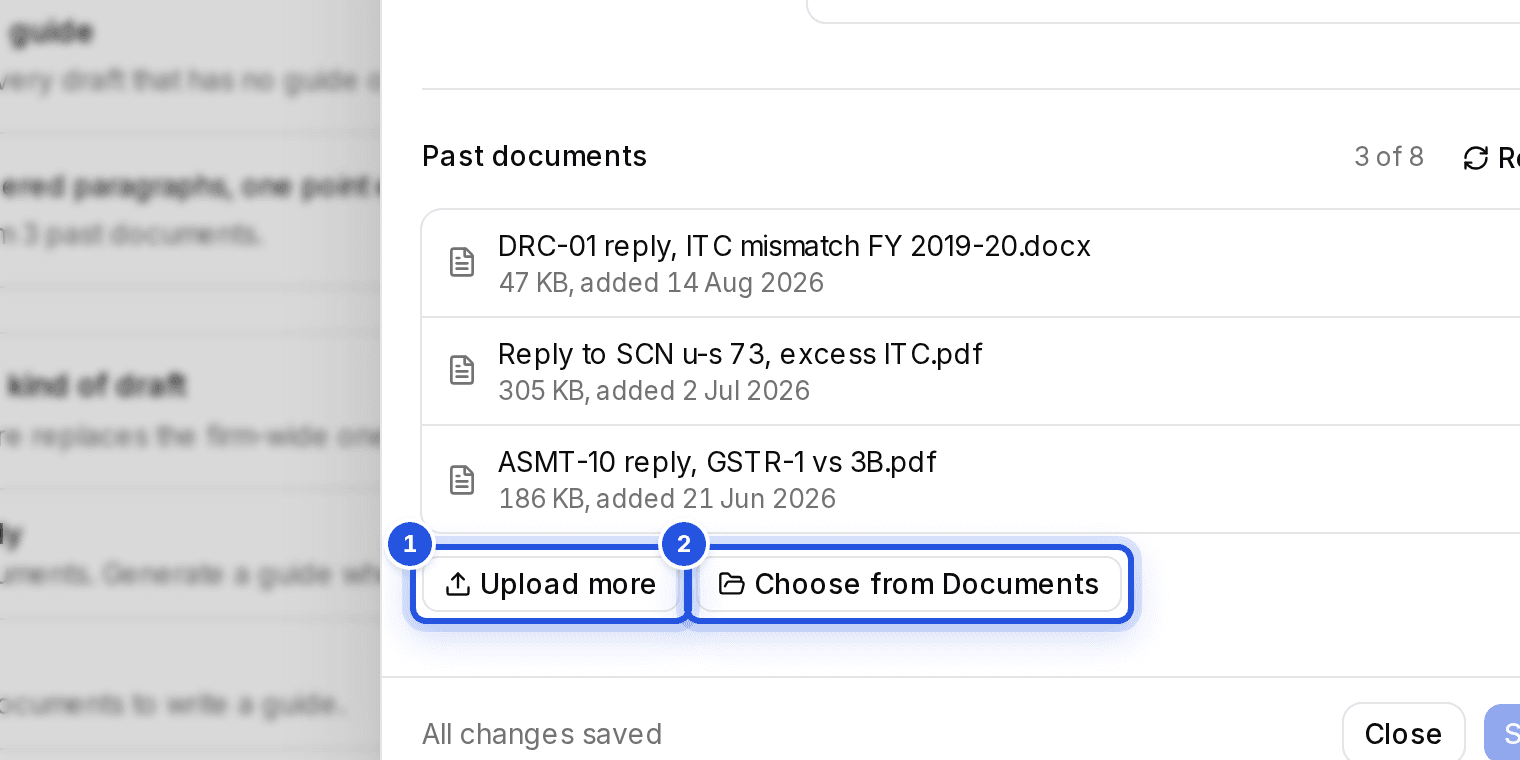
One or two documents work, but three or more give a steadier guide.
What it changes
New drafts, edits and regenerated sections follow the guide. It changes how a draft reads, never which law it cites.
Was this helpful?
Still stuck? Write to support and we will get back to you. Contact support