
How do I read the reconciliation results?
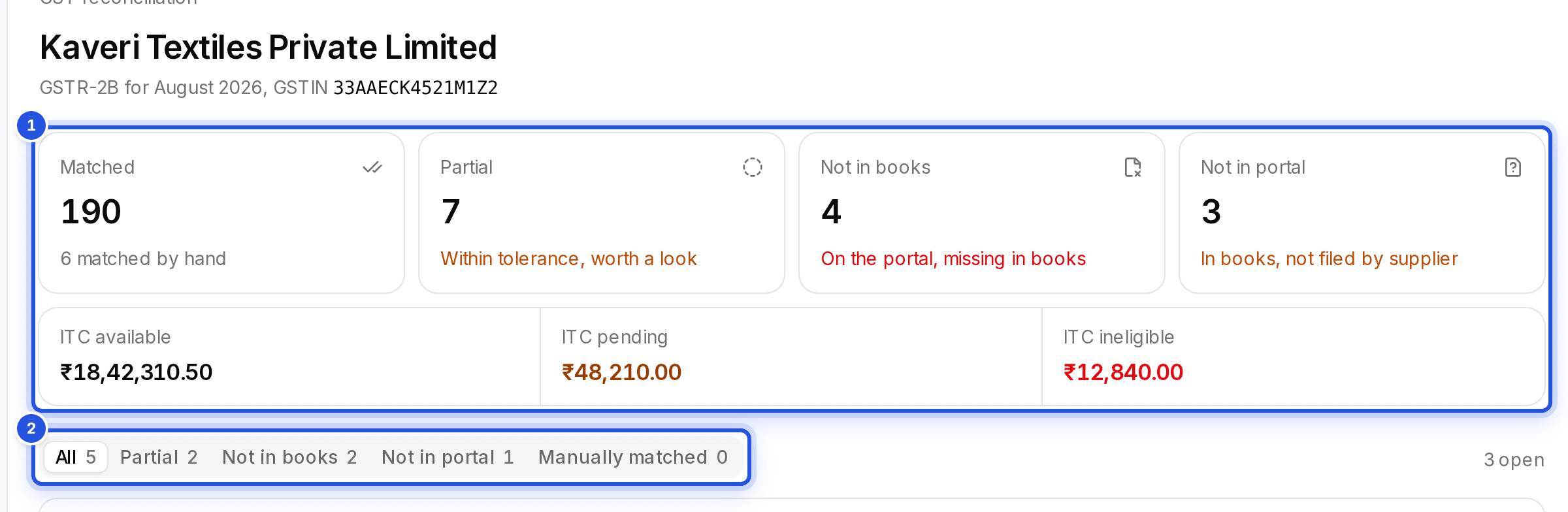
The summary splits every line into groups. Rows cleared automatically need nothing from you; only the mismatches need your attention.
Updated 29 Sept 2026
The groups
- Cleared automatically: the portal and the books agree.
- Within tolerance, worth a look: close, with a small difference.
- On the portal, missing in books: shown as Not in books.
- In books, not filed by supplier: shown as Not in portal.
Use Filter by reason to work through one group at a time, or search by GSTIN and document number. Results come 200 to a page, so a run of 70,000 lines stays quick. Each row shows the portal invoice beside the books candidate and the field that differs.
Was this helpful?
Still stuck? Write to support and we will get back to you. Contact support